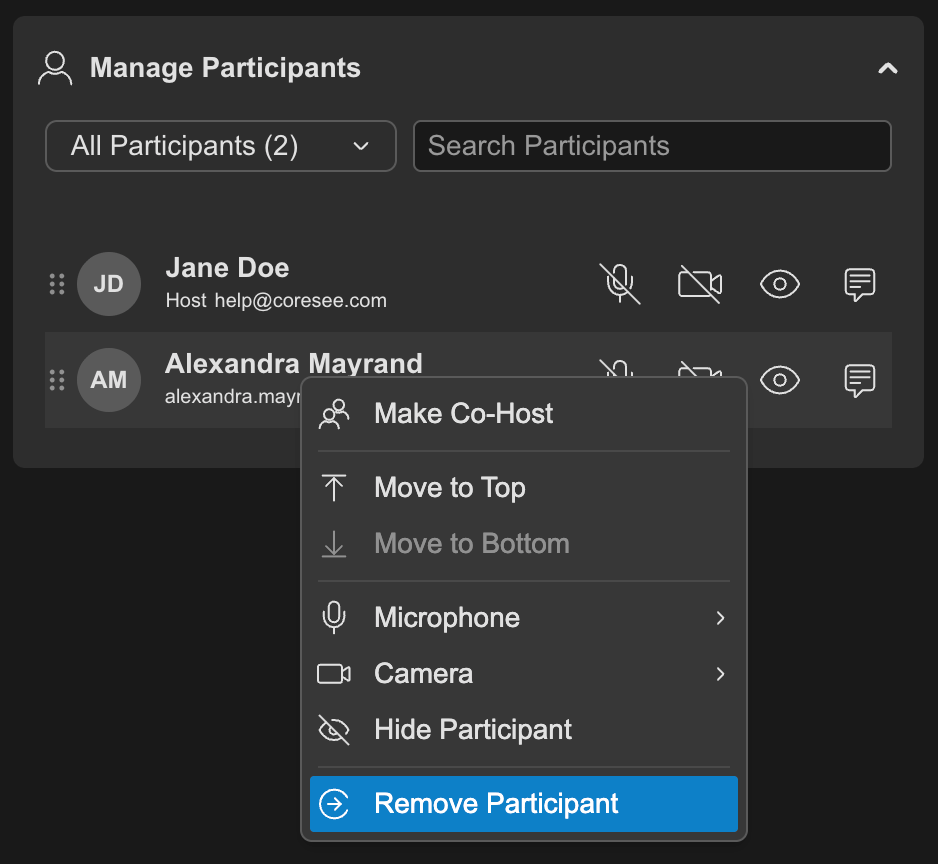
Two ways to remove a participant
Removal is available from two surfaces. Which ones you see depends on whether you’re in a session or managing the room from the homepage.Side Panel — Participants tab
Every participant row has a contextual menu with a Remove option. This surface is available both inside a live session and from the homepage, since the Participants tab and its list exist whether or not a session is running.