

1
From your Homepage, locate the room card you'd like to decline and right-click

2
Click Decline
3
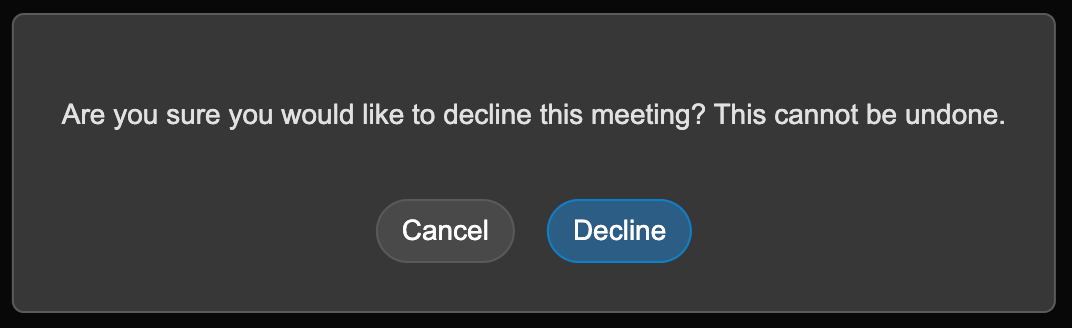
Confirm your choice
Declining removes you from that room’s participant list — it doesn’t delete the room, and it doesn’t affect other participants’ access. If you need to enter the room again later, you’ll need to be re-added.