1
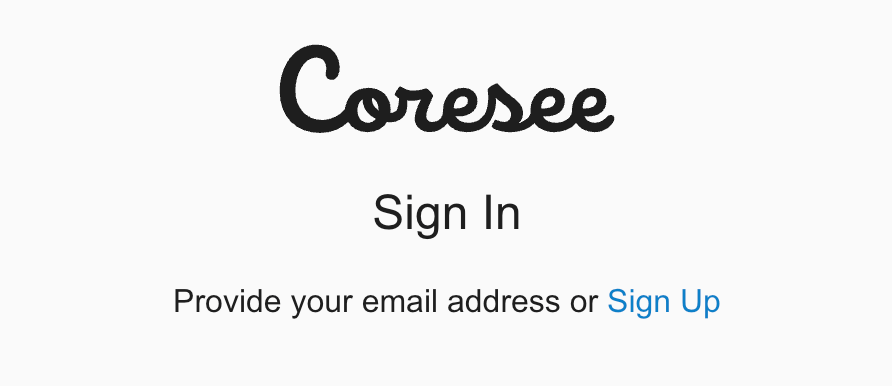
Click Sign Up
2
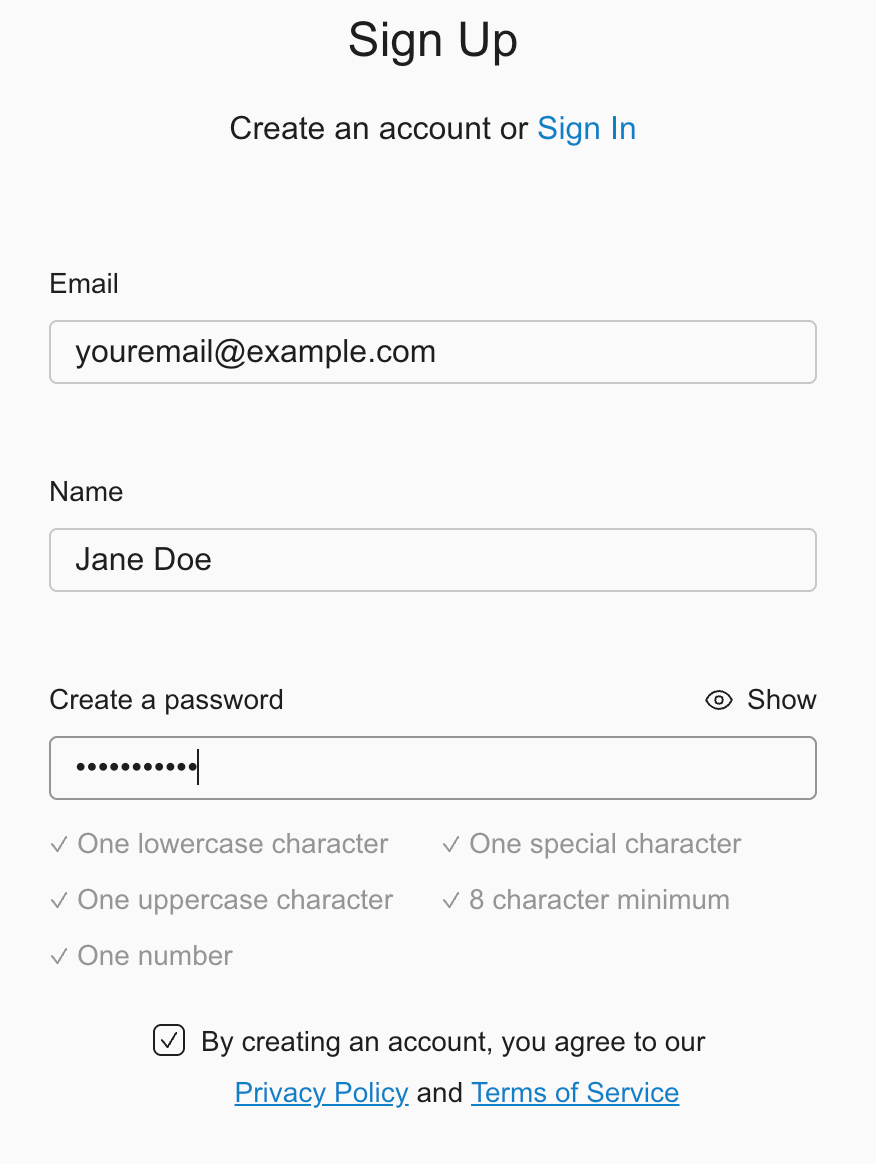
Enter the following details:
- Email Address
- Your Name
- Password (must include): Minimum of 8 characters of which one lowercase letter, one uppercase letter, one number, one special character
3
Agree to the Privacy Policy and Terms of Service
4
Click Sign Up
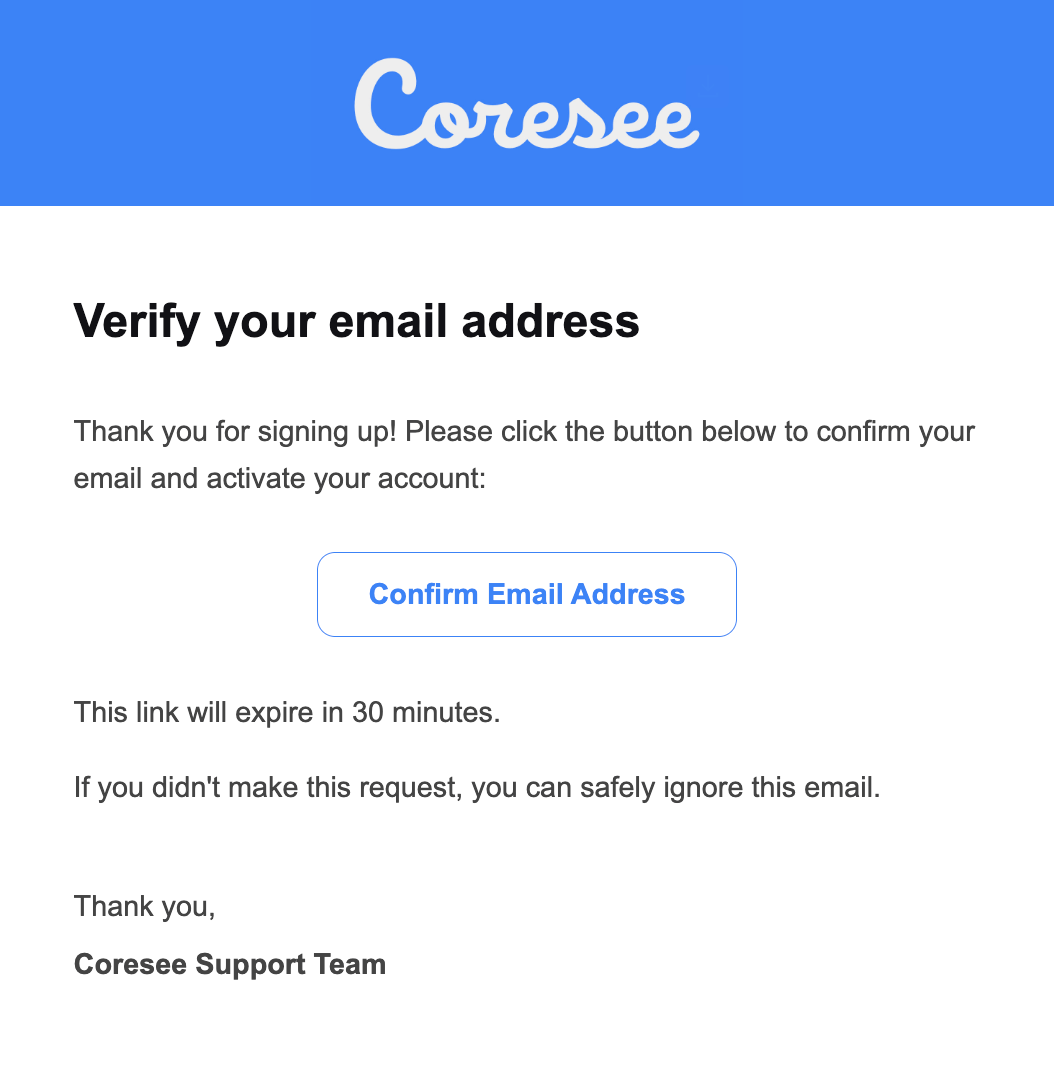
You’ll receive an email to activate your account.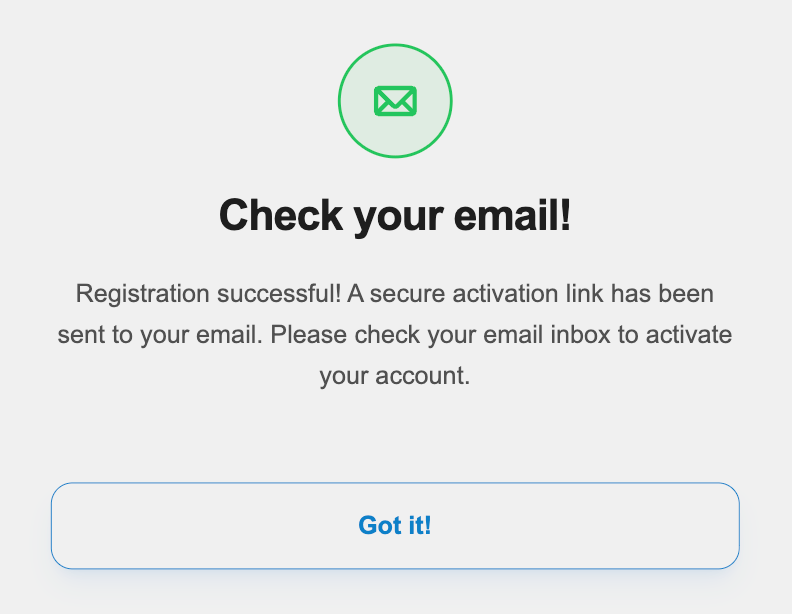
5
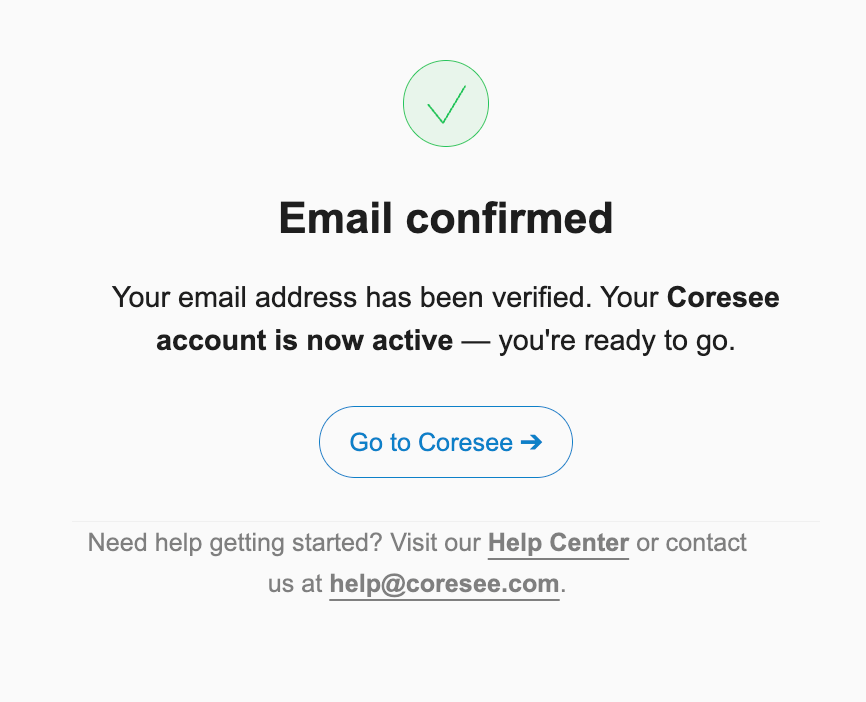
In the email, click Confirm Email Address