

1
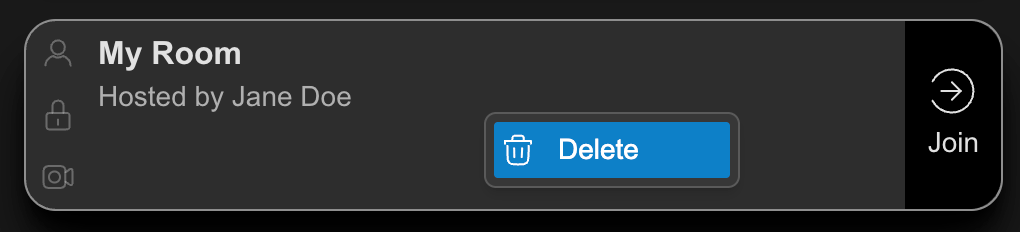
From the homepage, right-click the card of a room you've created.
2
Click Delete
You are unable to delete a room when there is an active session.
3
Confirm your selection by clicking Delete, or select Cancel to return to the homepage.
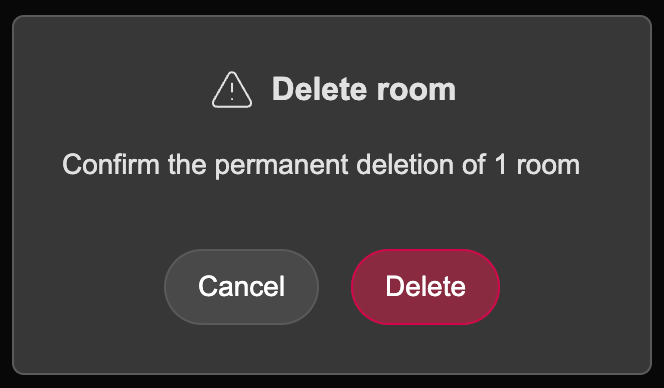
Once a room is deleted, all of its contents are permanently removed and cannot be recovered.