

Where to Invite From
The Participants tab within the Side Panel is available in two places, and inviting works the same way in both.From the Homepage
Open the room’s Control Panel from the homepage and go to the Participants tab. Useful for inviting people ahead of a session, before anyone has joined.
From the Room
During a live session, open the Participants tab from the side panel to invite someone on the fly.
How to Invite Someone
You’ll need to be a host or co-host of the room to invite participants.1
Open the side panel
From the homepage or from inside the room.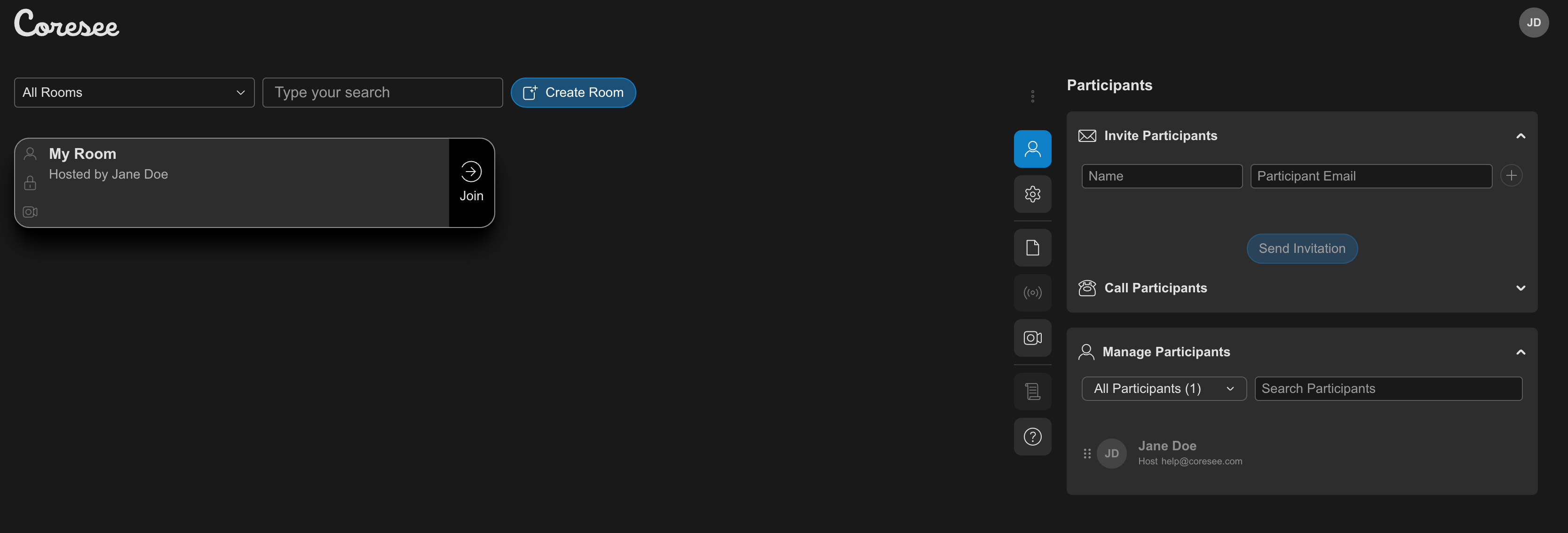
2
Access the Participants tab
3
Under the Invite Participants section, enter a name and email address
Type them into the text field, or paste a list copied from a spreadsheet, CSV file, or calendar invitation — Coresee detects the format and splits it into individual entries automatically.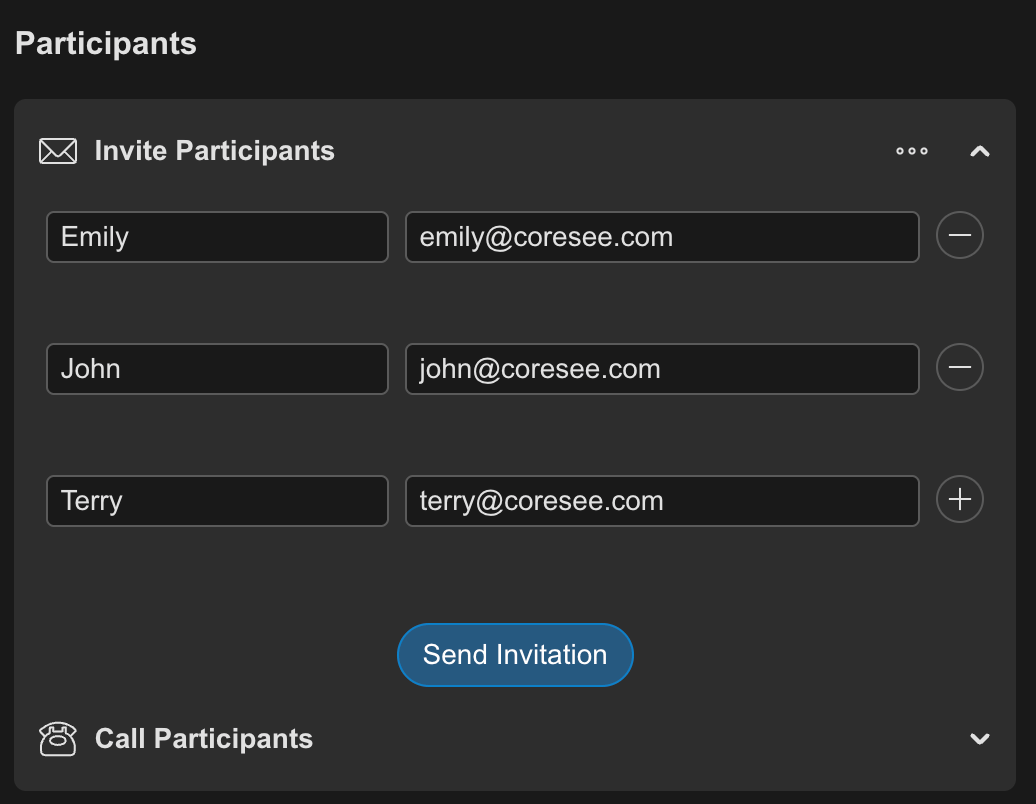
4
Click Send Invitation
The person is added to the room’s participant list and receives an email with the room link.