

Upload a profile picture
1
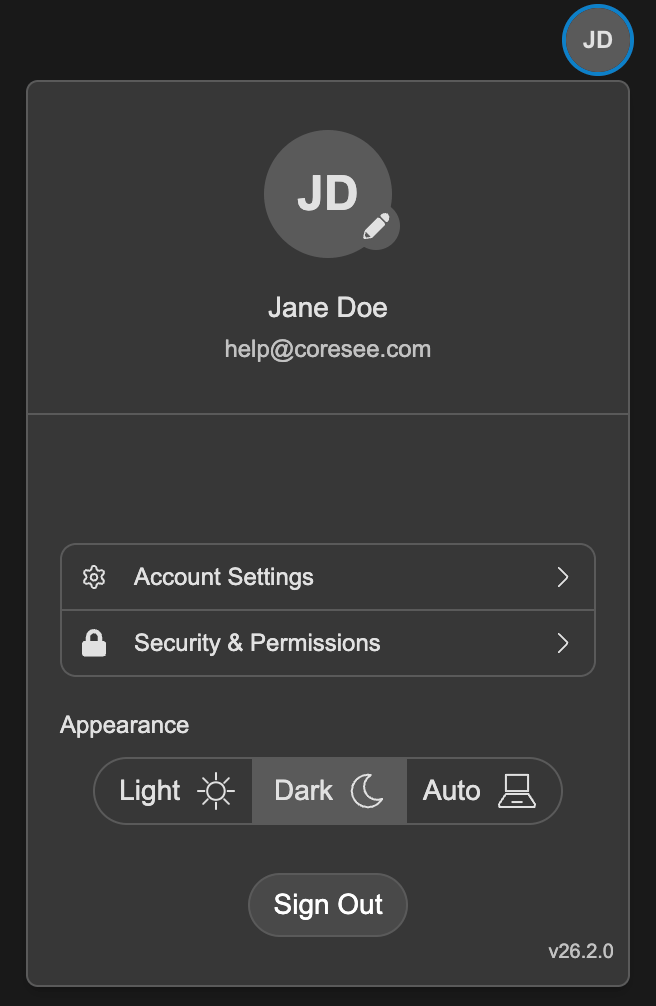
Click the Edit button, located on the lower right of your current profile photo.
2
A window will appear prompting you to upload your image.
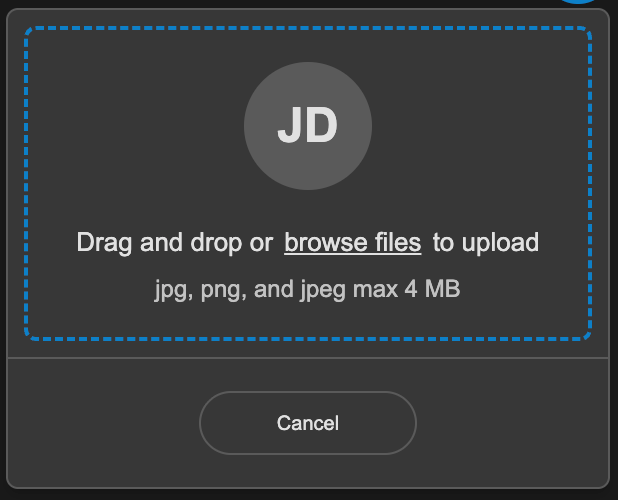
3
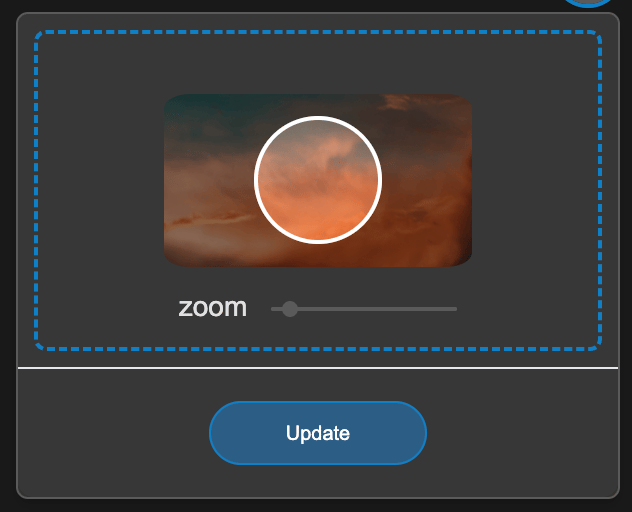
Once you’ve uploaded your photo, you will be asked to adjust the view of the selected image.
4
Place your image in the designated area
Click and drag your photo to the designated area to properly center it. Zoom in and out with the slider.
5
Click the Update button
Update Name and Title
1
Click on Account Settings
2
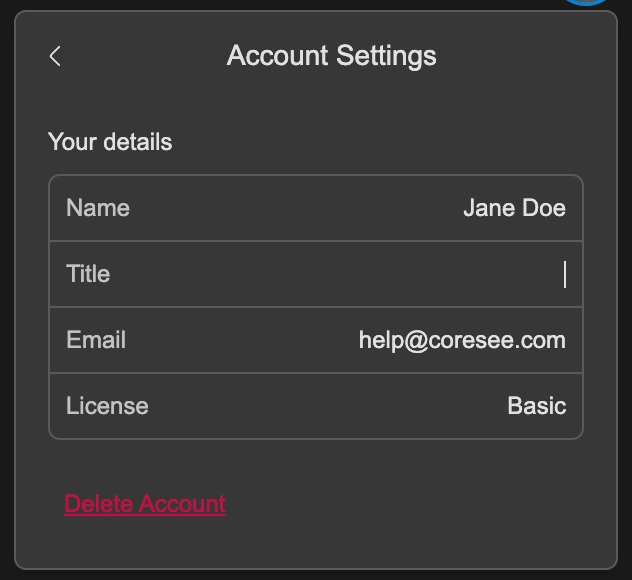
Under Account Settings, double-click your Name and Title to edit
3
Press Enter to save your updates.
Once you have updated your account settings with your preferred details, these changes will automatically be reflected in the Lobby and in the next room you join.