

Before you start
- Make sure Coresee has permission to use your camera
- For the best result, sit in a well-lit space with even lighting on your face, and avoid wearing colors close to your background.
Choose a predefined background
1
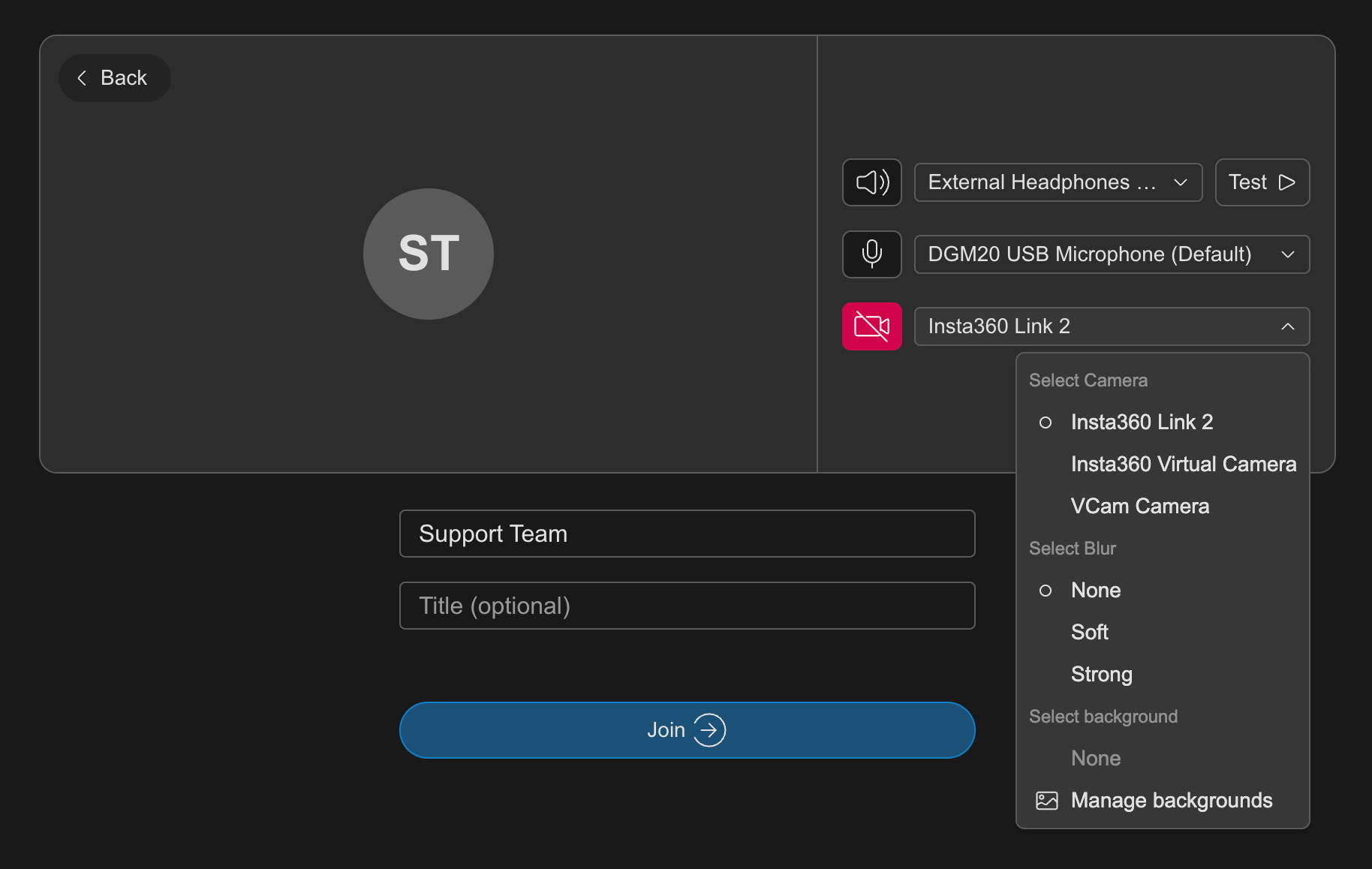
Open your camera settings (before joining, in the device preview, or during a session from your video settings).
2
Go to "Manage backgrounds"
Select a predefined background from the list. Your video preview updates immediately.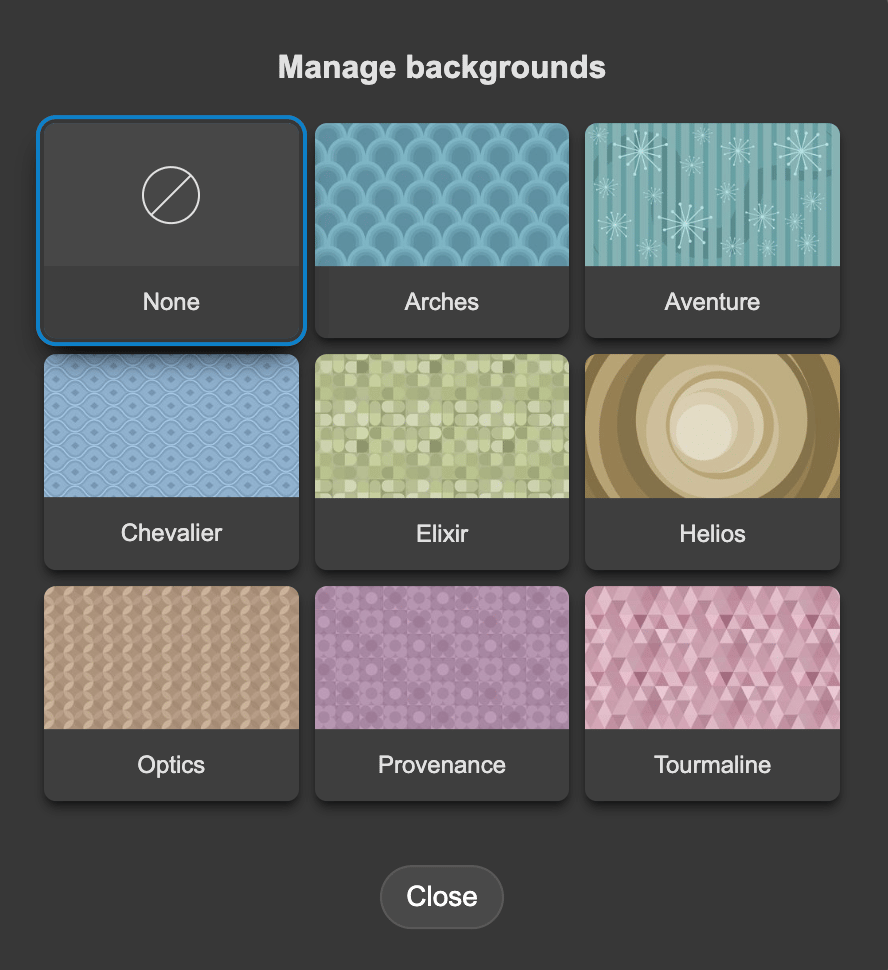
3
To turn the effect off, select None.