

Dial In is an optional add-on for Coresee packages and is currently offered with phone numbers for the United States and Canada. For more details on adding this feature to your plan, please contact help@coresee.com
Dial In from the Lobby
Once you’ve joined a Coresee room and have landed in the Lobby, click the Dial In button.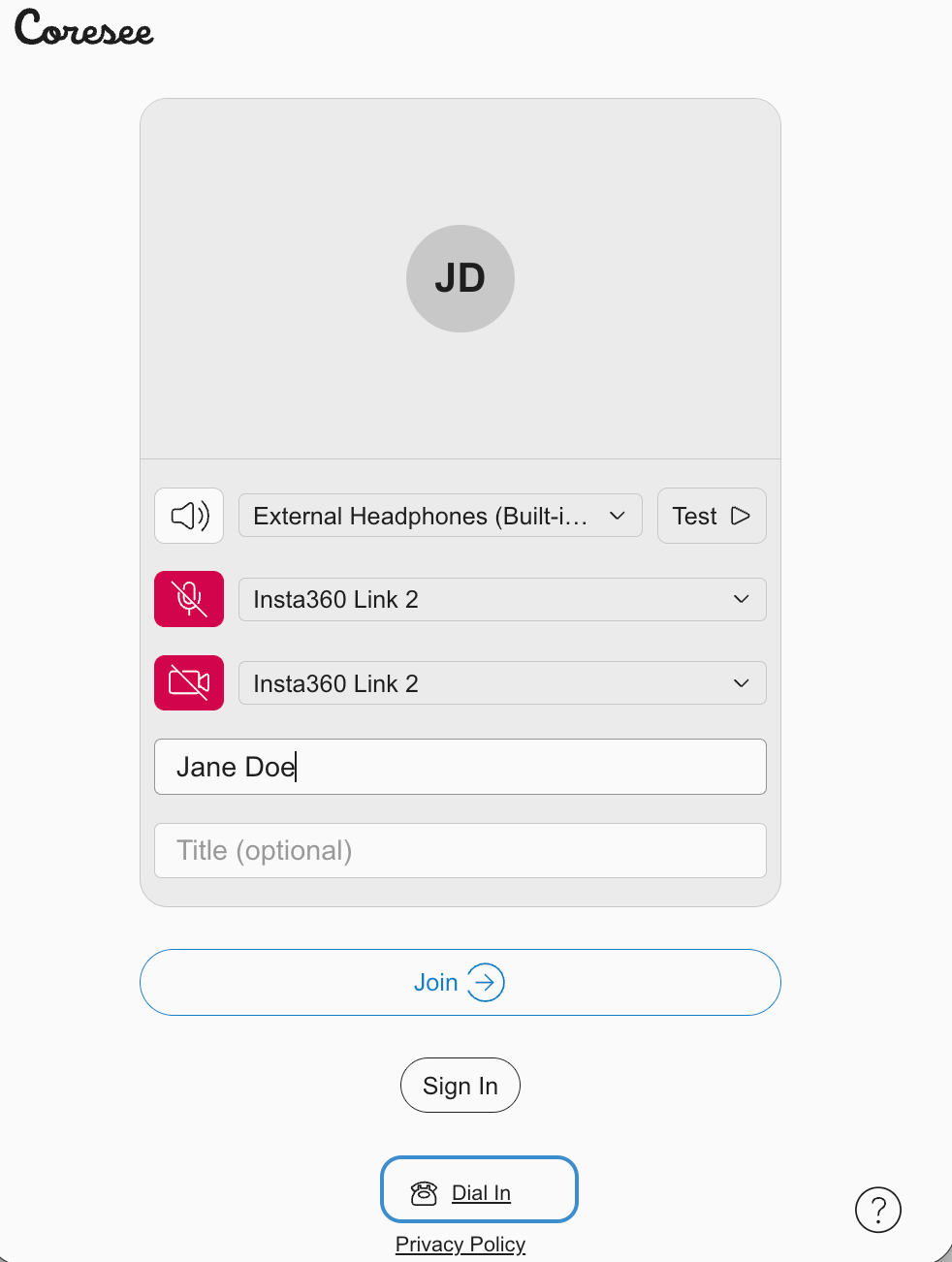
1
A Dial In modal will appear.
2
Using your phone, dial the appropriate phone number for your region.
3
Enter the 9 digit Meeting ID, then select the pound (#) key.
(Optional) When prompted, using your dial keypad, enter your unique 4 digit Participant ID, then select the pound (#) key. . Press only the pound (#) key to skip, if you wish to join the meeting as a Guest.