

1
Open the Settings tab. In a session, find it in the Side Panel. From the homepage, select the room to open its Side Panel there.
2
Next to Room Name, click the Edit button
3
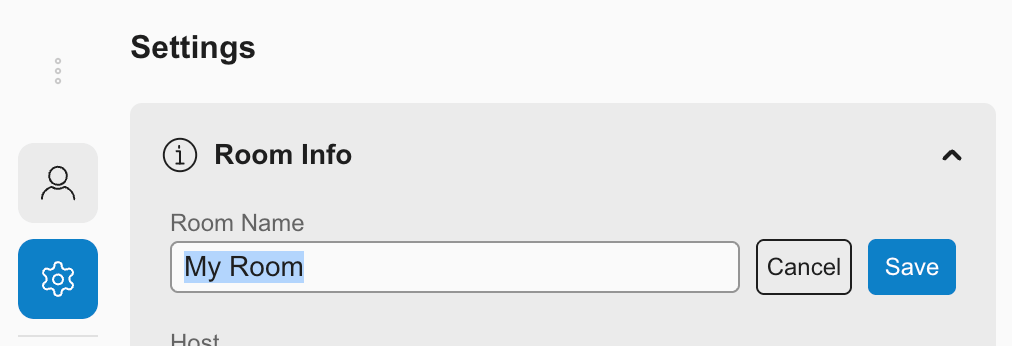
Type the new name.
4
Click Save
Open the Settings tab. In a session, find it in the Side Panel. From the homepage, select the room to open its Side Panel there.
Next to Room Name, click the Edit button
Type the new name.
Click Save