

How to close a room
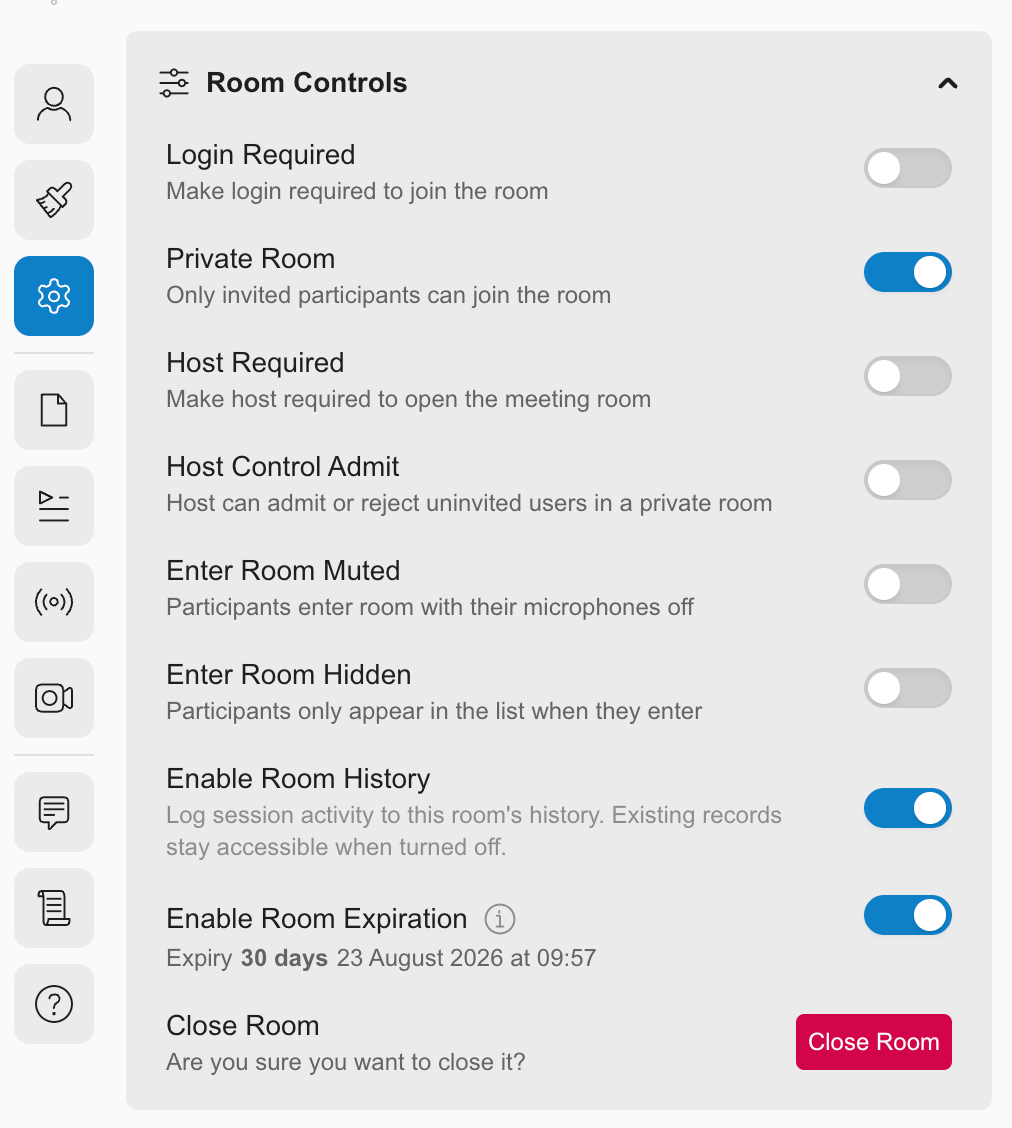
Close Room is found in the Side Panel, under Settings.1
Open the Side Panel and go to the Settings tab.
2
Find Close Room under Room Controls.
3
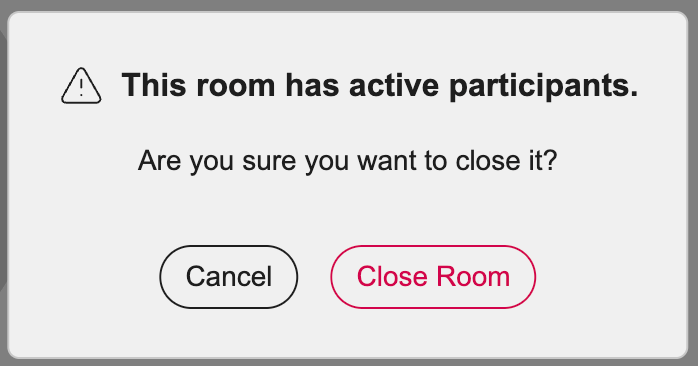
Confirm the action. The session ends immediately and all participants are disconnected.
Available from the room or the homepage: Close Room is available from the Settings tab whether you’re inside an active session or managing the room from the homepage.