

1
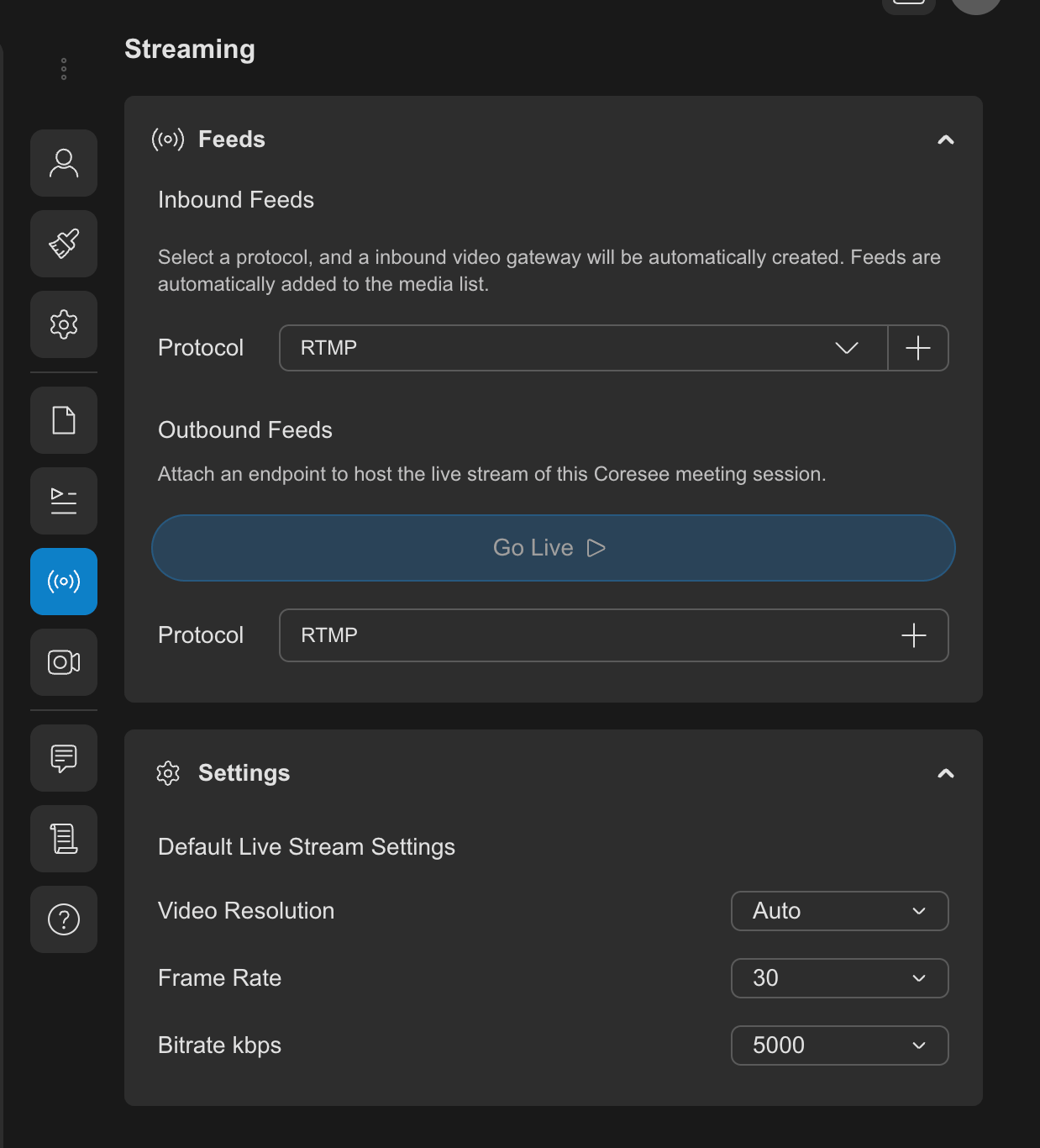
Open the Streaming tab from the Side Panel
2
Under the Outbound Feed section, click the plus (+) button next to the RTMP label to create a new outbound feed.
3
Enter the RTMP Server URL and and Channel Key/Stream Key provided by your streaming platform.
4
Finally, click Go Live to start streaming.
5
Stop an active stream anytime by clicking the Stop button.