

Creating folders
Select New Folder from the Files tab menu to create a folder in the file browser. Drag files into it to group related assets together. Folders can be nested to create a custom structure.1
Open the Files tab within the Side Panel
2
Open the Menu
3
Click "New Folder"
4
Enter a name
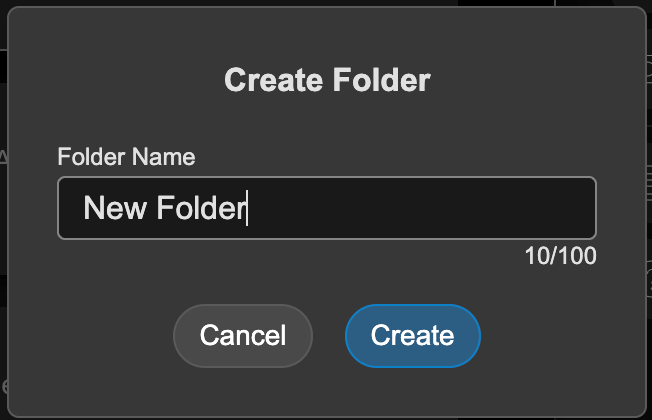
5
Click "Create"