> ## Documentation Index
> Fetch the complete documentation index at: https://help.coresee.com/llms.txt
> Use this file to discover all available pages before exploring further.
# Decline a Room
Don't need access to a room anymore? Here's how to decline as a participant.
Once you log into your Coresee account, you'll land on the Homepage, where you can view a list of your rooms. You can only decline rooms you've been added to — not rooms you host.

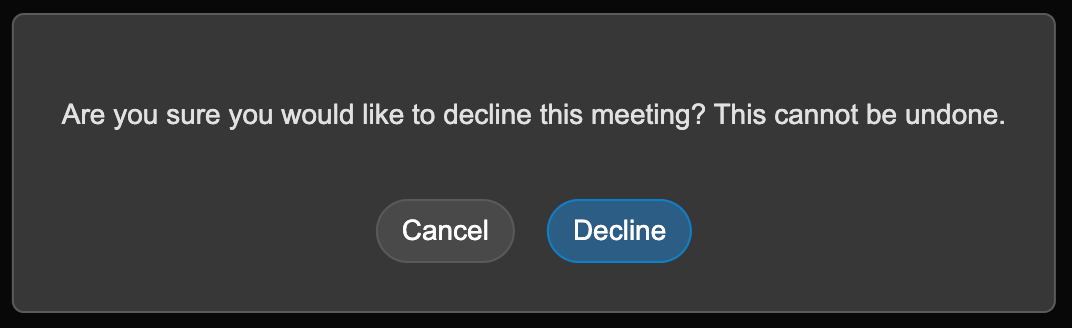 Declining removes you from that room's participant list — it doesn't delete the room, and it doesn't affect other participants' access. If you need to enter the room again later, you'll need to be re-added.